GDLLM - An in-editor Godot Agentic Harness
A downloadable tool
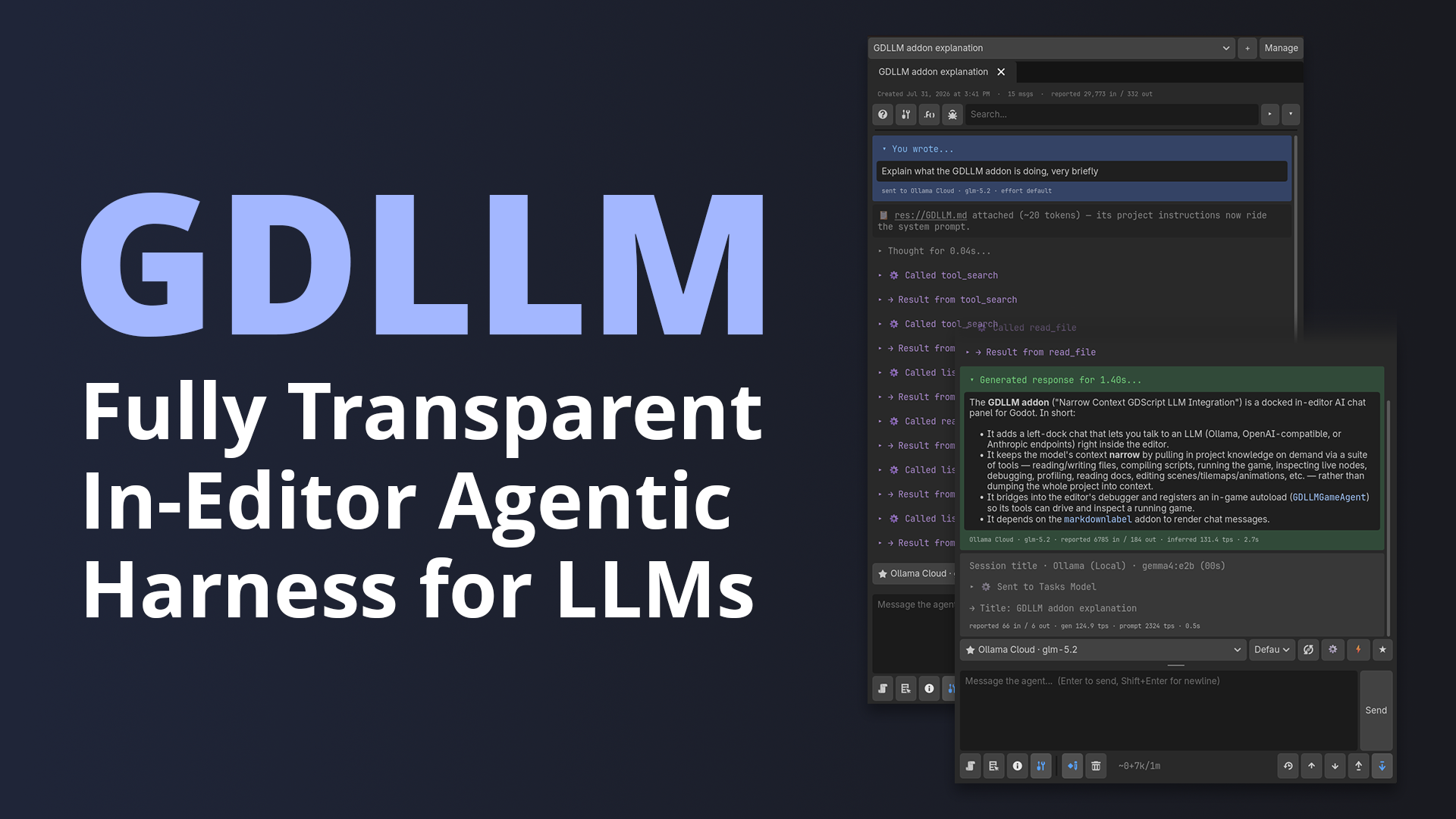
A fully transparent in-editor agentic harness for large language models inside the Godot Engine. Connect to any LLM provider via API and provide your agents the tools, context management, and guidance to effectively complete most tasks in Godot. Every action the agent takes is fully surfaced and persists in session history.
Compared to Opencode, GDLLM completes the same tasks in roughly half as many tokens.
Designed around progressive disclosure, the main agent starts with almost nothing and pulls in deeper knowledge only as a task demands it, so the conversation stays token light and on-topic.
Guiding Philosophy
- Context is minimized to only what is absolutely necessary to complete the task.
- All actions the agents take are fully transparent to the user.
- Errors guide agents and the user to solutions.
- Every session generates and saves logs locally.
By integrating this harness directly into the editor, GDLLM starts ahead of more general harnesses (or MCP servers) with lower initial context and first-class Godot tools.
Harness Features
- Adds a familiar "chat" panel to manage agent sessions.
- Give your agents full access to all Godot engine features.
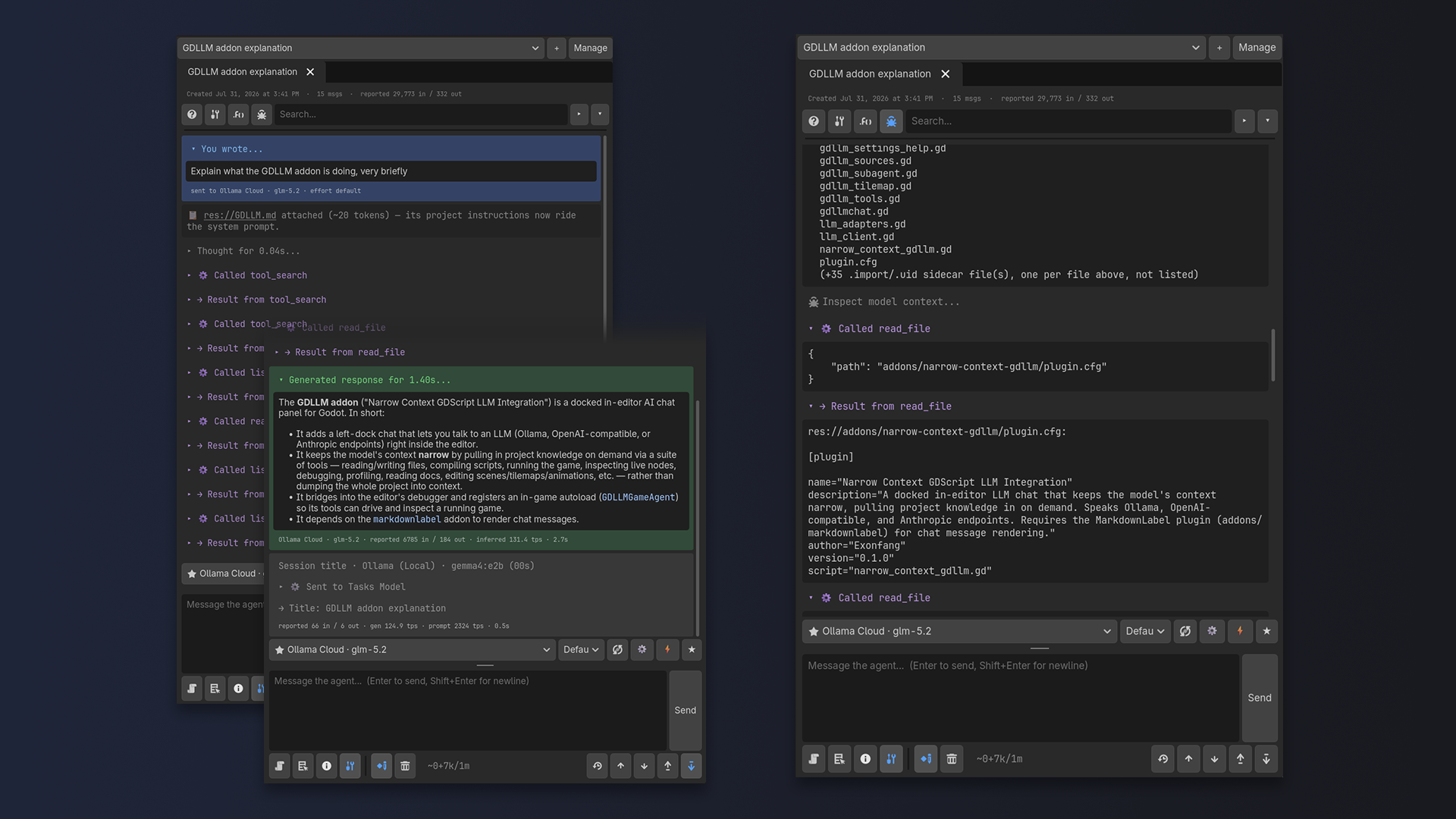
- Every action an agent takes is fully surfaced and transparent. Inspect complete model context at any turn.
- Edits, whenever possible, are automatically engine-validated after changes and errors are surfaced to agents.
- Integrated engine documentation, pulling from the same cached data the in-editor documentation browser uses.
- Respects
AGENTS.md.GDLLM.mdoptionally overrides anyAGENTS.mdfile if present. - Supports user-defined
/skills/, dynamically added for appropriate tasks, similar to most other harnesses. - Contains tool calls within user and project directories for increased safety. (User configurable via editor setting in GDLLM > Agents)
- Anthropic-like cache boundary aware compaction. Cache TTL is configurable per model and provider, auto-retires idle tools and loudly emits the boundary so the user can choose to compact manually if they prefer.
- Supports agents spawning subagents.
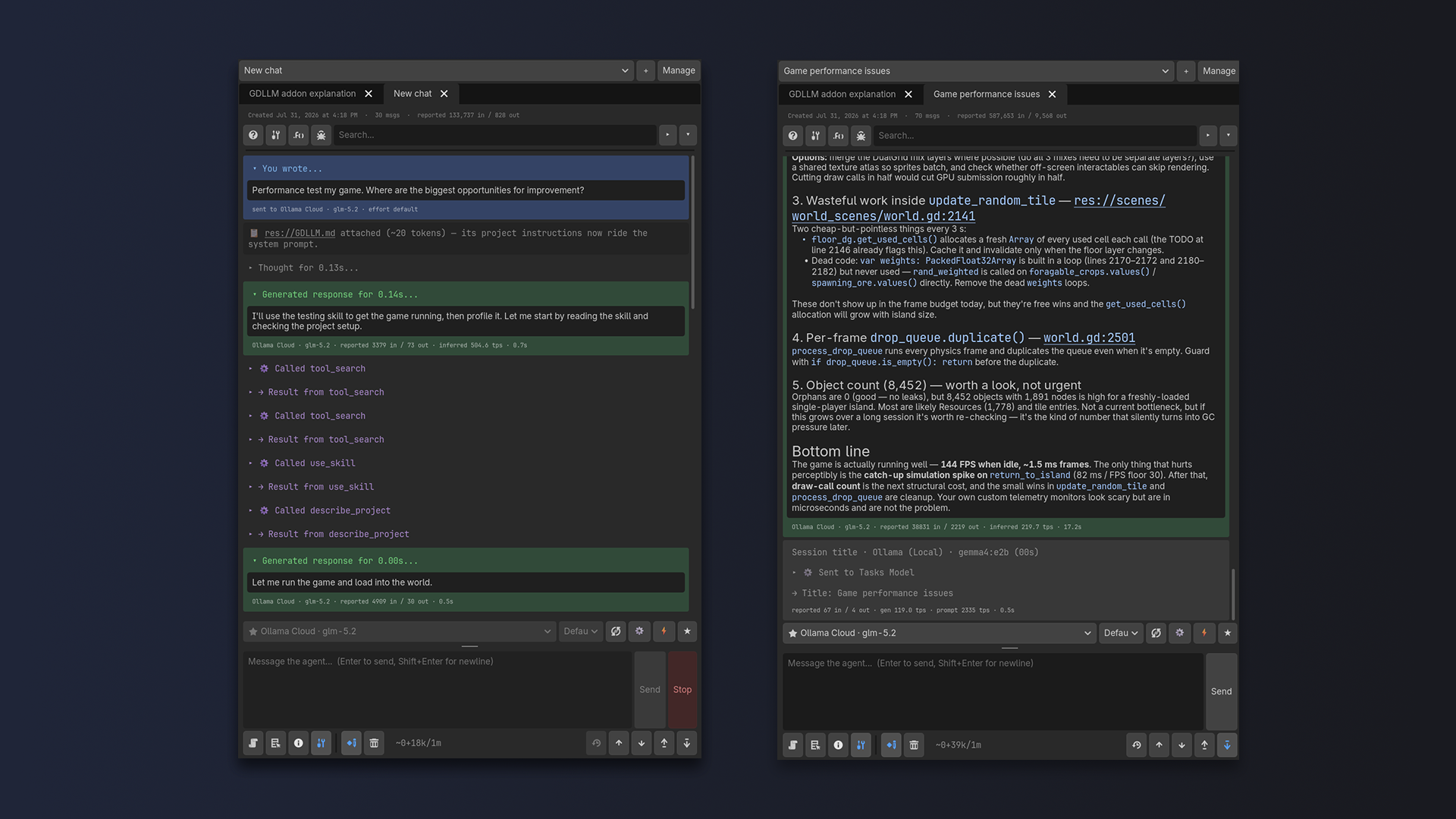
- Session history management.
- Per-session permission gates (read only, make changes, make changes and delete files)
- Loop control breaks - notices when an agent is thrashing and stops them.
- Send-safety gates - notices regarding unsaved work before prompts are sent.
- Attachment support (selected nodes, scripts, and script selections)
- MarkdownLabel support for improved model output styling.
- Comprehensive editor settings. (*It's strongly recommended to leave most of these at defaults unless you know what you're doing!)
- Configurable colors.
Tools
Reading code and files read_file, read_function, list_directory, search_files, list_dependencies
Writing files edit_file, write_file, check_script, move_file, rename_file, copy_file, delete_file
Engine knowledge describe_class, describe_member, describe_docs, search_docs
Project and Resources describe_project, set_project_setting, set_import_setting, create_resource, edit_resource
Scenes and 2D Data describe_scene, describe_scene_file, read_tilemap, describe_tileset, edit_tilemap, describe_animation, edit_animation
Running and Debugging run_game, stop_game, run_script, suspend_game, reload_game_scripts, set_breakpoint, read_game_break, debug_game, read_output, read_errors
Live-game introspection and input driving read_game_ui, inspect_game_node, send_game_input, call_game_method, read_performance, profile_game, read_video_ram
Delegation run_subagent
First-time Setup
- Download and extract the release zip of your choice (GDLLM + MarkdownLabel recommended) directly into your Godot project directory.
- Using the Connections button in the session panel, link up your inference providers: pick the Kind (OpenAI, Anthropic, or Ollama), paste the URL your provider hands you (the full endpoint or just the server address, either works) and add API keys where needed. Any OpenAI-compatible server (LM Studio, llama.cpp, vLLM, most others...) uses the OpenAI kind.
- After the model list refreshes, use the Effort Configuration to specify the available thinking levels, cache TTL, and context windows. No provider has an API to retrieve model effort/thinking levels, so they need to be manually identified and added, or the default effort level for the model will be used.
- Context window size and cache TTL are used to inform context compaction.
- For providers that report it, context window size is automatically fetched via API.
- For Anthropic models, setting the cache above 300s uses Anthropic's 1 hour cache declaration. (Other providers don't currently publish cache times.)
- In Editor Settings > GDLLM > Models, specify your preferred default chat model and tasks model. The tasks model powers summarization and title generation.
- Review Editor Settings > GDLLM and update to your preference. Some color-blind users will want to adjust their colors.
Download
Install instructions
Download/Install:
Two options are available to download:
- GDLLM, the in-editor agentic LLM harness for Godot, bundled with MarkdownLabel v1.4.0 (MIT, by Daenvil) so model responses render prettified out of the box. This is the recommended download.
- GDLLM only.
Install: extract the zip into your project root so the plugin(s) land under addons/, then enable GDLLM (and MarkdownLabel if included) in Project Settings → Plugins.
Not sure which to download? Use gdllm-plus-markdownlabel-v1.2.0.zip
First-time Setup
- Download and extract the release zip of your choice (GDLLM + MarkdownLabel recommended) directly into your Godot project directory.
- Using the Connections button in the session panel, link up your inference providers: pick the Kind (OpenAI, Anthropic, or Ollama), paste the URL your provider hands you (the full endpoint or just the server address, either works) and add API keys where needed. Any OpenAI-compatible server (LM Studio, llama.cpp, vLLM, most others...) uses the OpenAI kind.
- After the model list refreshes, use the Effort Configuration to specify the available thinking levels, cache TTL, and context windows. No provider has an API to retrieve model effort/thinking levels, so they need to be manually identified and added, or the default effort level for the model will be used.
- Context window size and cache TTL are used to inform context compaction.
- For providers that report it, context window size is automatically fetched via API.
- For Anthropic models, setting the cache above 300s uses Anthropic's 1 hour cache declaration. (Other providers don't currently publish cache times.)
- In Editor Settings > GDLLM > Models, specify your preferred default chat model and tasks model. The tasks model powers summarization and title generation.
- Review Editor Settings > GDLLM and update to your preference. Some color-blind users will want to adjust their colors.
Development log
Leave a comment
Log in with itch.io to leave a comment.